Server
Introduction
Ktor is built on Coroutine and lets you use only what you need while structuring your application your way. You can also extend Ktor with your own plugins easily.
Project setup
Generate a “Ktor server application” with Amper.
Two files are created under src: Application.kt and Routing.kt.
Run the project:
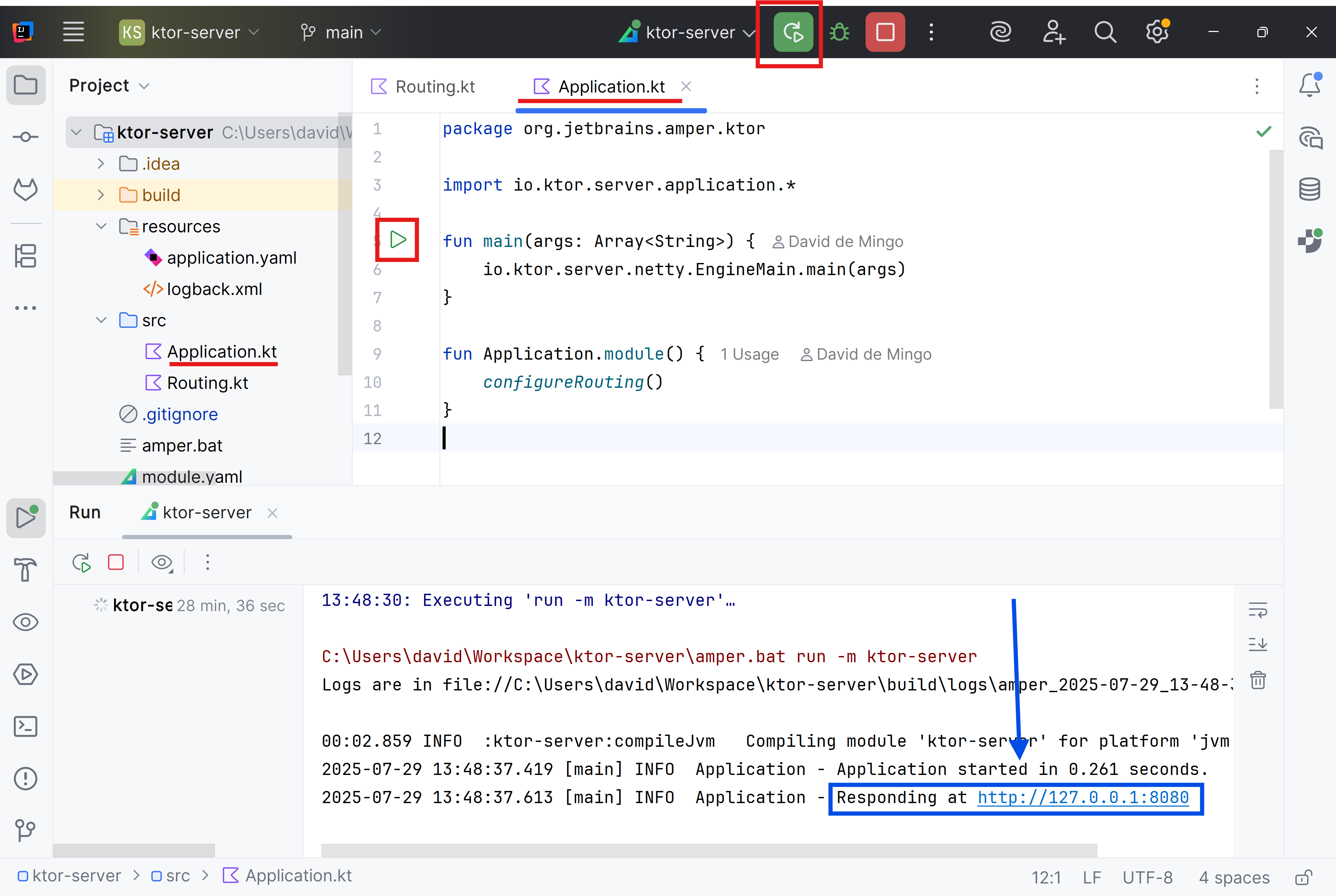
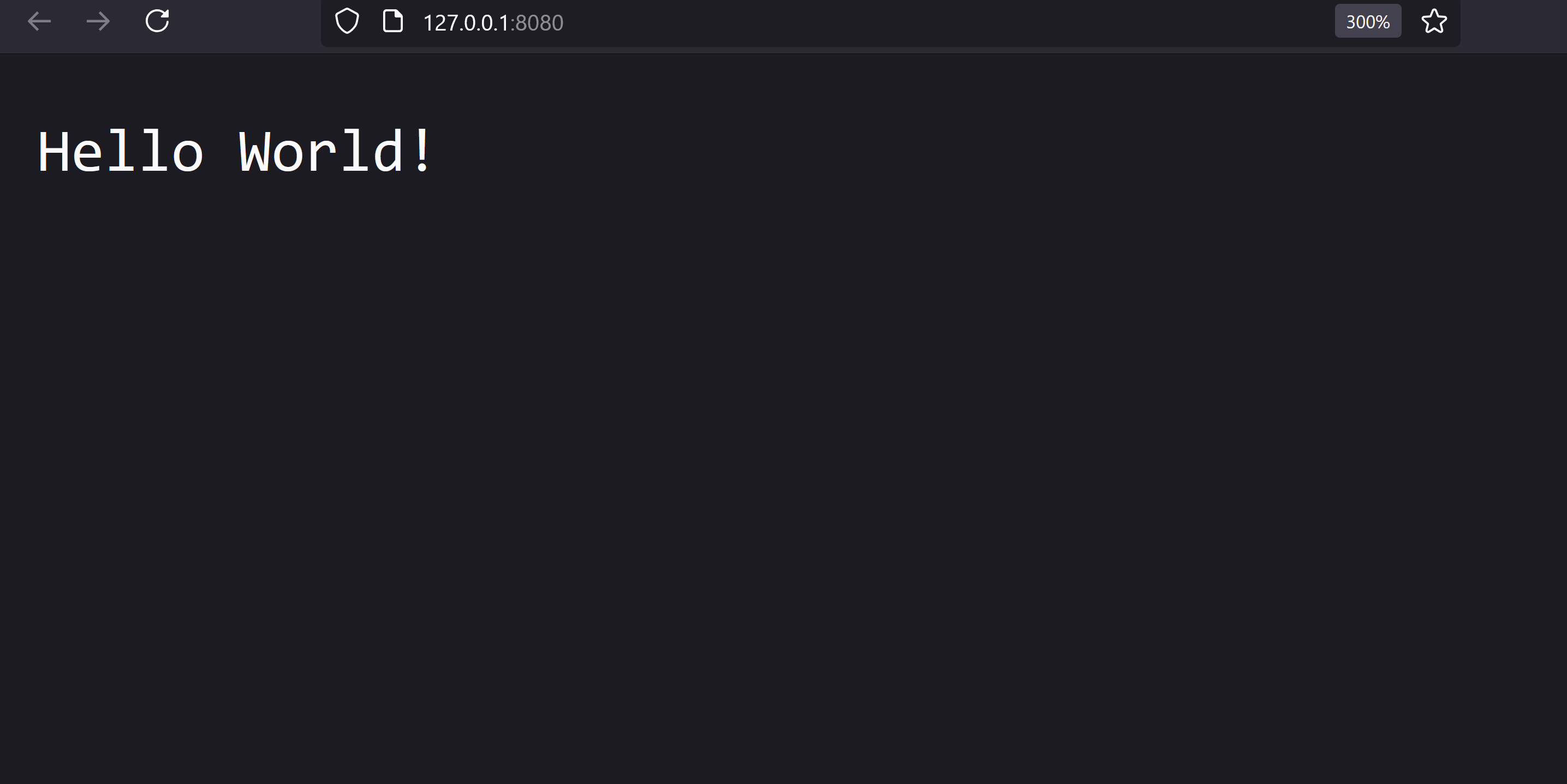
Open http://localhost:8080 to confirm it’s running.
You should see “Hello World!”:
Server
EngineMain starts a server with the selected engine and loads application modules from the external configuration file application.yaml, typically located in the resource directory.
import io.ktor.server.application.*

fun main(args: Array<String>) {
    io.ktor.server.netty.EngineMain.main(args)
}

fun Application.module() {
    configureRouting()
}
In addition to specifying which modules to load, the configuration file can include various server parameters such as the port, host, and SSL settings.
In this link you can find the full list of parameters: Server Configuration
Amper
To enable Ktor support, you add the following to the module.yaml file:
settings:
  ktor: enabled
Setting ktor: enabled performs the following actions:
- Applies Ktor BOM
- Contributes Ktor-related entries to a built-in library catalog
- Adds the
io.ktor.development=truesystem property when running the app withamper run
You can also customize the version of the Ktor libraries using the full form of the configuration:
settings:
  ktor:
    enabled: true
version: 3.3.2Autoreload
Restarting a server during development can be slow. Ktor supports auto-reload to speed up the feedback loop:
ktor:
    development: true
Estàs llegint una vista prèvia.
Inicia sessió amb Google per llegir la pàgina completa. Segueix l'itinerari d'aprenentatge — cada pàgina es desbloqueja quan has llegit les que la precedeixen. L'alumnat i el professorat llegeixen les pàgines del seu curs sense límit.
Inicia sessió